

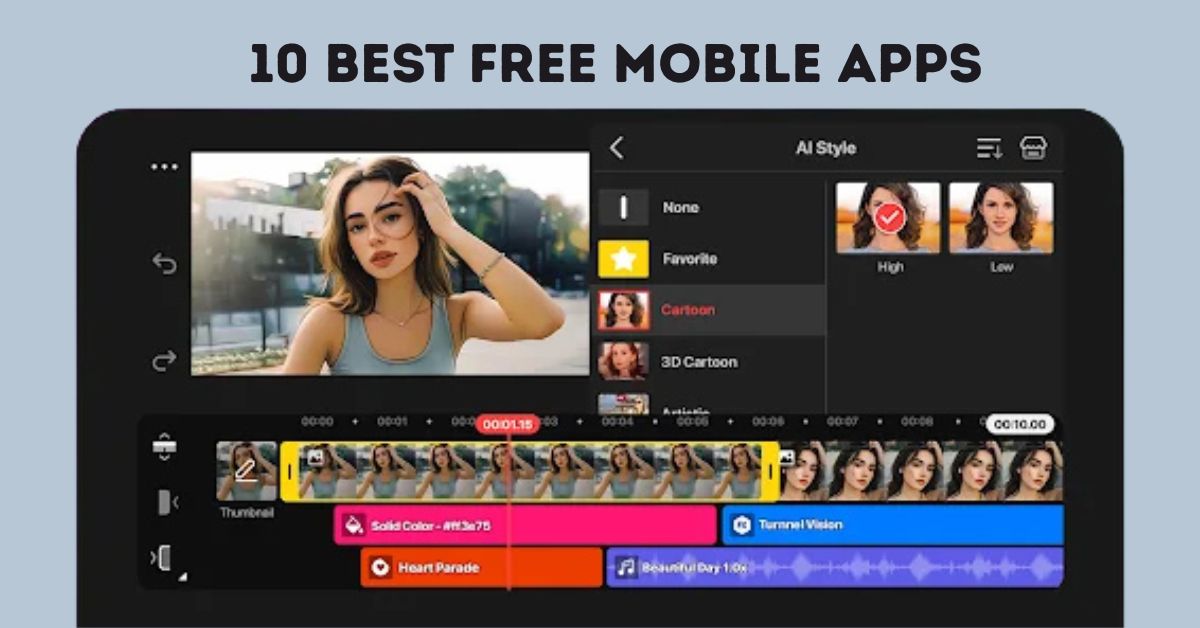
I still remember when I started editing videos on my phone two years ago. At that time, it felt almost impossible to get smooth results on a mobile device. I used to spend hours cutting clips, syncing music, and adding effects, only to realize that the apps I was using were either too complicated or missing basic features.
Over time, I tested almost every popular mobile editing app available some were disappointing, while others completely changed the way I create videos. From making short TikToks to editing YouTube vlogs, I’ve learned which apps are truly useful and which ones are just hype.
Based on my personal experience and research, I’ve put together this list of the Free 10 Best Video Editing Apps in Mobile 2025. These apps are not only easy to use but also powerful enough to give your videos a professional touch, even if you’re editing on a phone. Most of them work on both Android and iOS, so no matter what device you have, you’ll find the right tool here.
10 Best Video Editing Apps in Mobile 2025
1. CapCut
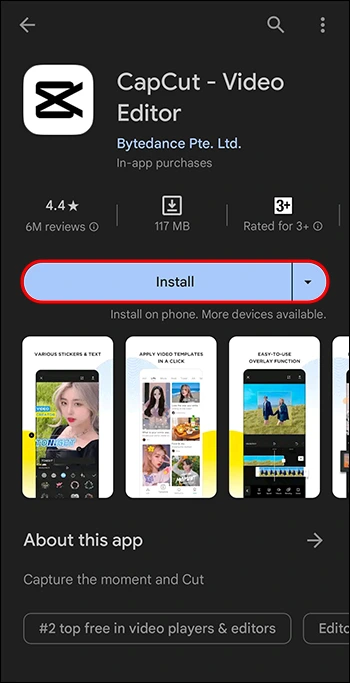
CapCut is one of the most downloaded editing apps worldwide. It is owned by the company behind TikTok, so you’ll find many tools that make short videos trendy and fun. It offers transitions, text effects, filters, and even AI features like auto-subtitles and background remover.
If you are new to editing, CapCut is one of the easiest apps to start with. You can finish a video in minutes and share it directly on social media.
2. iMovie
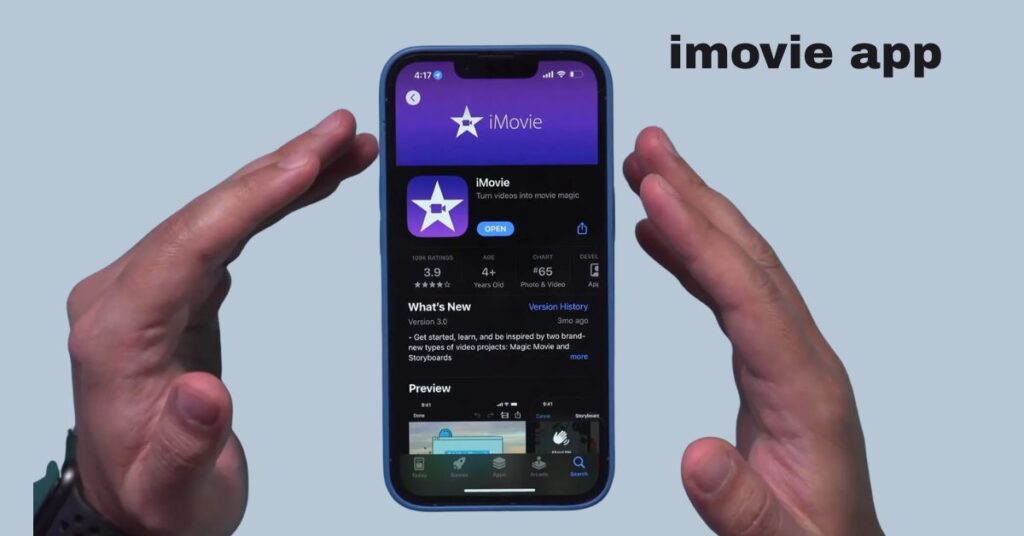
For iPhone and iPad users, iMovie is the default free editor. It’s built by Apple and works smoothly with other Apple apps. You get simple templates, cinematic transitions, and basic editing tools.
It may not have advanced features like some other apps, but for beginners and school projects, iMovie does the job perfectly.
3. InShot
InShot is a favorite for people who make short-form content like Instagram Reels, TikToks, or YouTube Shorts. It’s lightweight, quick, and simple to use.
You can trim, cut, add music, insert stickers, and write text on videos easily. The only drawback is that the free version adds a watermark, but many users still prefer it for its speed and simplicity.
4. KineMaster
KineMaster is for those who want more control over their edits. It looks like a professional editor but is still easy to learn. You can add multiple video layers, audio tracks, and advanced effects.
If you are planning to make detailed videos, KineMaster is a solid option. Many YouTubers and vloggers still use it because of its powerful features.
5. Adobe Premiere Rush
Premiere Rush is like the mobile-friendly version of Adobe Premiere Pro. It’s designed for creators who want professional-level results but in a simpler format.
You can arrange clips with drag-and-drop, adjust colors, add soundtracks, and sync your edits across devices. If you already use Adobe tools, this app fits right in.
6. DaVinci Resolve
Known for its desktop software, DaVinci Resolve now supports mobile devices as well. It’s best for people who want high-quality editing and advanced color grading on their phones or tablets.
The app has many professional tools, but it may feel heavy for beginners. If you are serious about editing and want studio-like results, this is a great choice.
7. Wondershare Filmora
Filmora is a balanced app that mixes simplicity with creativity. It comes with built-in templates, text styles, and a music library.
It also has an effects store where you can download overlays and filters to make your videos look unique. Beginners will find it very friendly, while still offering enough features for more advanced users.
8. PowerDirector
PowerDirector is one of the most feature-rich free editors on mobile. It supports 4K video editing, slow motion, chroma key (green screen), and even motion tracking.
Despite all these features, the app is not difficult to use. Its drag-and-drop style timeline makes editing smooth even for first-time users.
9. Splice – Video Editor & Maker
Splice was created by GoPro, and it’s perfect for action videos or travel vlogs. It has fast transitions, music syncing, and filters.
One of its best features is the automatic beat-matching tool, which adjusts video cuts to match the rhythm of the background music. This makes videos more engaging without much effort.
10. LumaFusion
LumaFusion is considered the most professional video editor available on iOS devices. It offers multi-track editing, color grading, audio mixing, and more.
It is mainly used by advanced creators and even some professionals who want desktop-like editing on their iPad. The free version gives you enough tools to get started, but the paid version unlocks even more power.
Bonus Apps to Try
Apart from the top ten apps, there are other good options worth checking in 2025:
- Promeo – AI Marketing Studio for quick ad-style videos.
- Canva for making videos with templates and designs.
- GoPro Quik for fast edits of action camera footage.
- OpenShot for open-source editing tools on mobile.
- VivaVideo for fun effects and simple social media videos.
Final Thoughts
In 2025, mobile editing is no longer limited to simple cuts. Apps like CapCut and InShot are perfect for beginners, while KineMaster and PowerDirector give you more control. For professional creators, DaVinci Resolve and LumaFusion are unbeatable.
The good news is that most of these apps are free to download, so you can test them out and decide which one works best for your style. Whether you’re making short clips for social media or longer videos for YouTube, these apps will help you create quality content right from your phone.
Read More: Latest Posts









4 thoughts on “Free 10 Best Video Editing Apps in Mobile 2025”